Looking at Shop Management Systems? See How AutoLeap Stacks Up.

Auto Repair Shop Accounting Software

Stay on Top of Your Finances

Enjoy organized and stress-free accounting for your shop. Don’t worry about double-entry of data or human errors ever again.

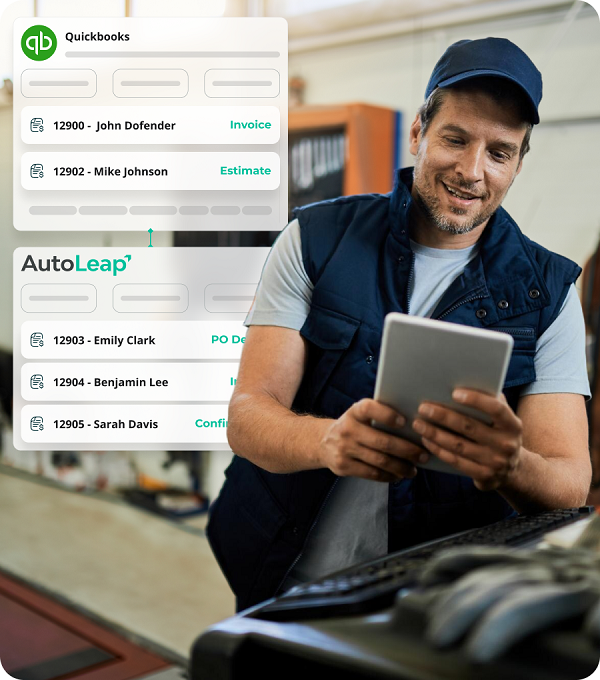
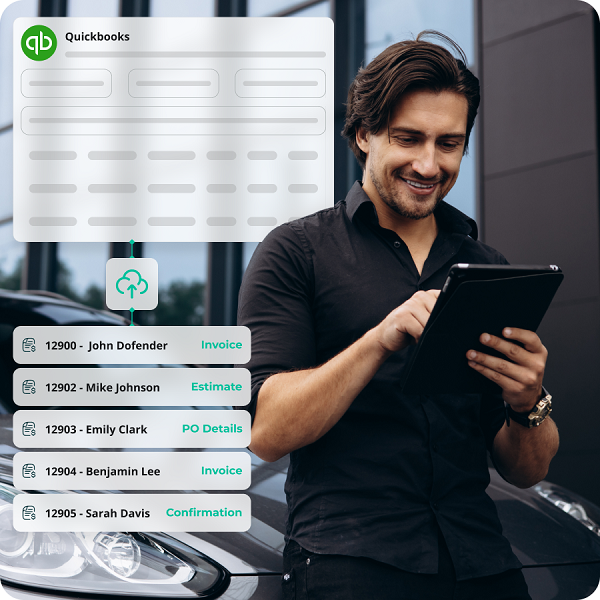
Records syncing between AutoLeap and QuickBooks while a mechanic works from a tablet

Trusted by 1000s of Shop Owners


  • RPM logo
  • Stones Auto Service logo
  • DS AutoMobiles logo
  • Tirecraft logo
  • APEX Auto logo
  • Frontline Automotive logo
  • RPM logo
  • Stones Auto Service logo
  • DS AutoMobiles logo
  • Tirecraft logo
  • APEX Auto logo
  • Frontline Automotive logo

Automated Auto Repair Shop Accounting Software

How Does It Work?

QuickBooks connected to AutoLeap shop management software within a few clicks
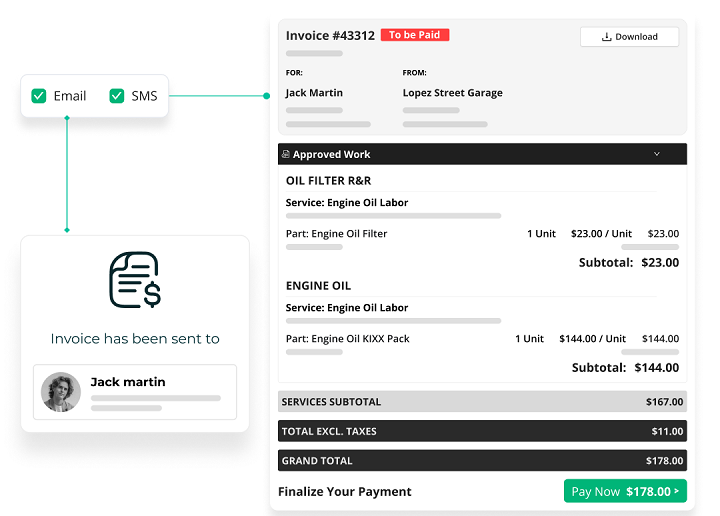
Digital invoice itemizing repair costs, taxes, and fees, sent from AutoLeap
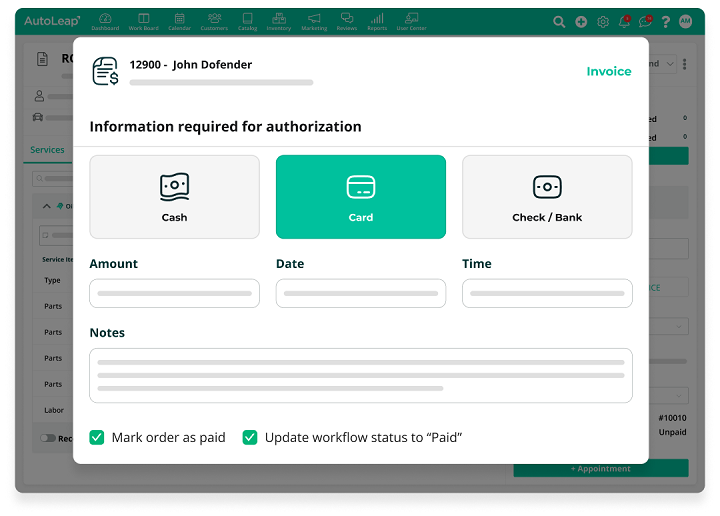
Payments processed through cash, card, or check with AutoLeap
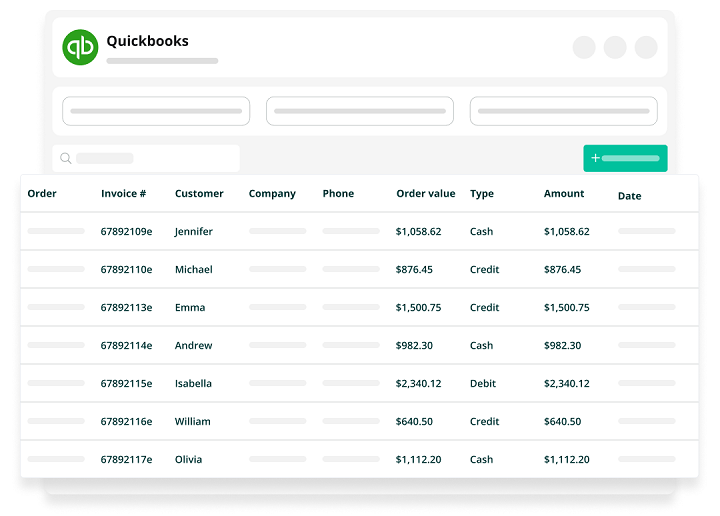
Transactions posted to QuickBooks in real time via AutoLeap

Effortless Financial Management

Simplify Your Bookkeeping with Auto Shop Accounting Software

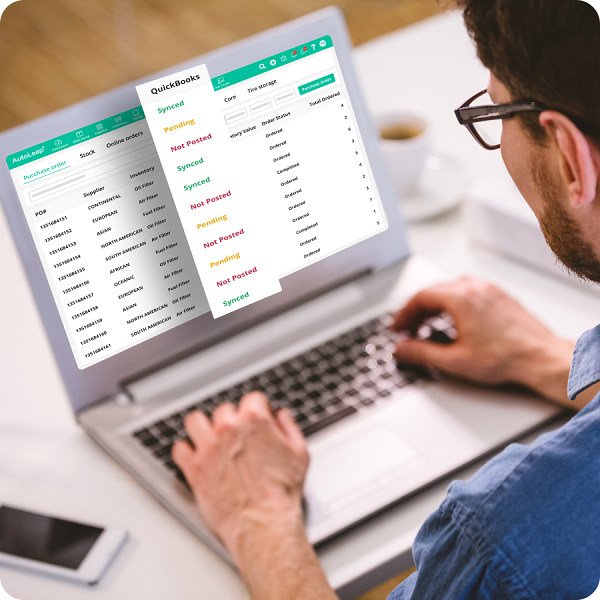
Purchase orders syncing to QuickBooks from AutoLeap, with synced and pending statuses
Estimates, invoices, and payments managed digitally in AutoLeap

Eliminate Double Entry

Streamline Payments and Reduce Errors

Maximize Financial Oversight

Keep Track of Your Business Health

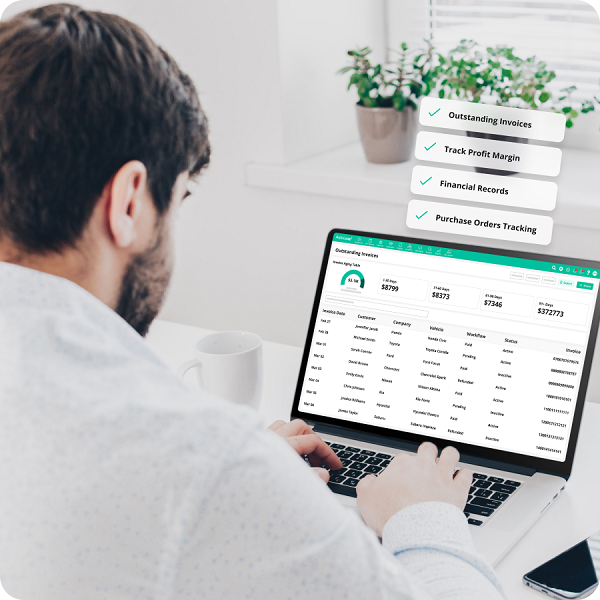
Outstanding invoices and profit margins tracked on AutoLeap's financial dashboard
Shop owner reviewing financial records on a laptop in AutoLeap

Efficient Auto Repair Shop Financial Management with Our Accounting Solution

Use AutoLeap’s auto repair shop accounting software to enhance your financial operations with robust QuickBooks integration, streamlined payment processes, and comprehensive financial reporting.

Hear From Our Users

Customer Reviews

The Industry’s Best Accounting Software

AutoLeap’s auto repair shop accounting software makes it easy to do bookkeeping for your auto repair business.

Reduce Manual Work

Minimize manual bookkeeping tasks with automated data entry and syncing.

Improve Financial Accuracy

Ensure precise financial tracking and fewer errors with integrated accounting features.

Faster Transaction Processing

Process invoices and payments faster with streamlined operations.

Better Financial Reporting

Gain insights into your shop’s performance with detailed, real-time financial reports.

Simplify Tax Preparation

Automatically organize financial data in a way that simplifies tax filing and compliance.
Features Included With
Auto Repair Shop Accounting Software

Streamline every aspect of your auto shop with one powerful solution.

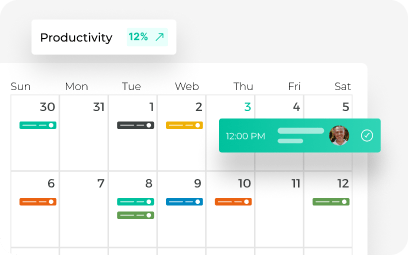
Color-coded weekly job calendar with a productivity tracker in AutoLeap's scheduler

Easily manage your shop’s capacity and maximize your team’s productivity.

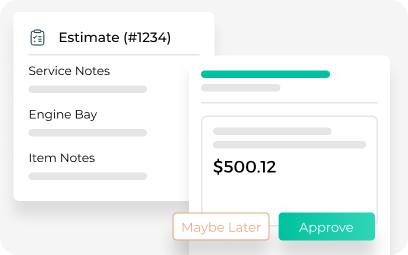
AutoLeap's digital repair estimate with service notes and customer approve or decline buttons
Build accurate estimates quickly with just a few clicks.
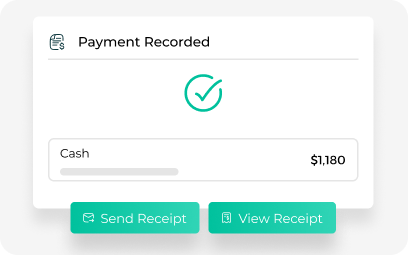
Recorded cash payment with send-receipt options on an AutoLeap invoice
Get paid faster by generating and sending invoices in seconds.
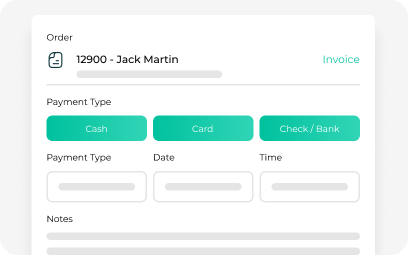
AutoLeap point-of-sale checkout with cash, card, and check payment options
Authorize invoices, collect payments, and track shop sales data.
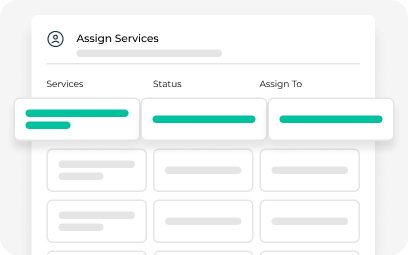
Technician service-assignment board with job status inside the AutoLeap app
Track technician attendance, time logged, and job progress.
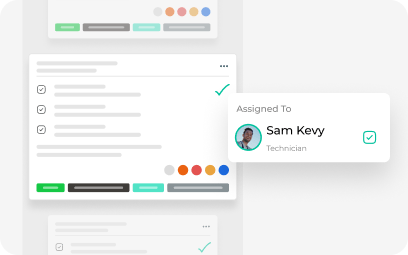
AutoLeap work order with completed task checkmarks and the assigned technician
Move approved estimates to professional invoices without retyping anything.

Frequently Asked Questions

How does the QuickBooks integration work with AutoLeap?

When setting up your AutoLeap account, our implementation consultant will walk you through the process of syncing your QBO account with AutoLeap. This integration automatically syncs your invoices, payments, and financial data with QuickBooks, reducing manual entry and ensuring accuracy across your accounting systems.

Absolutely! By integrating Quickbooks with automotive shop software shop owners can automatically capture invoice and payment data without any manual entry needed.

Yes, shop owners can link AutoLeap with QuickBooks to keep track of all shop finances and make bookkeeping easy.

The benefits of using QBO for your shop’s bookkeeping include:
1. You can automate the syncing of all financial data so there’s no need for manual data entry.
2. You can quickly generate detailed financial reports and track profit margins.
3. You can manage all estimates and invoicing data digitally.

Absolutely! Our software is designed to handle accounting for multiple shop locations, allowing you to oversee all financial operations from a single platform.

The integration seamlessly syncs with your existing QuickBooks data without disrupting your current financial records. It enhances data accuracy by eliminating duplicate entries and automating data transfer.

Grow Faster with Software Built for Modern Shops

Get a free demo with the industry’s leading, award-winning auto repair software and see how it could impact your daily operations

See AutoLeap in Action

See AutoLeap in Action

By entering your information above and clicking the "Get Free Demo" button, you agree to our Terms of Use and Privacy Policy, and that we may contact you, at the phone number and email address you provide in this form.