Looking at Shop Management Systems? See How AutoLeap Stacks Up.

AUTO REPAIR SHOP WORK ORDER SOFTWARE

Streamline Your Shop’s Workflow With Effortless Work Orders

Streamline your workflow, improve communication, and increase productivity—all from one platform.

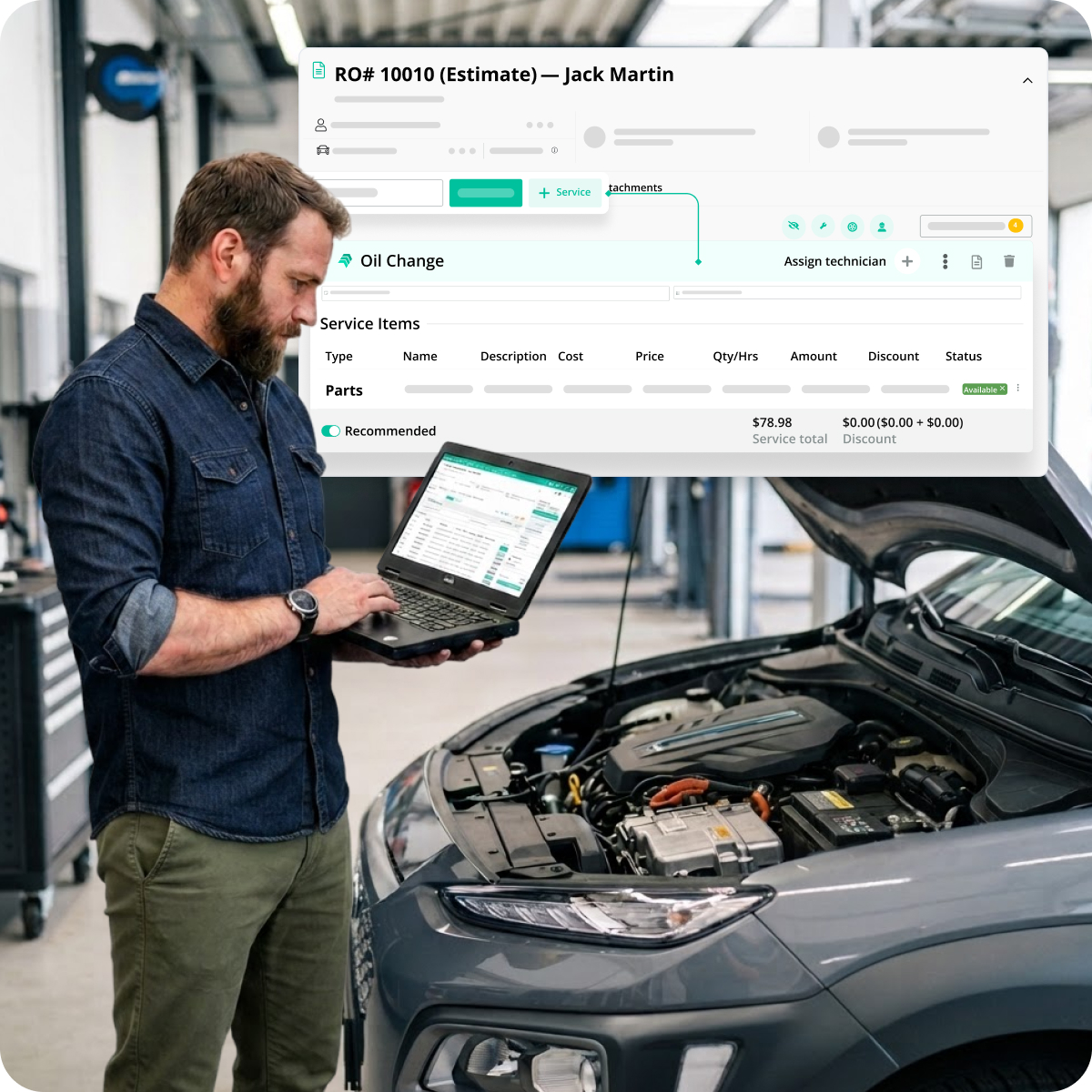
A shop's work orders, streamlined on AutoLeap

The #1 Choice For Thousands Of Successful Shops

  • RPM logo
  • Stones Auto Service logo
  • DS AutoMobiles logo
  • Tirecraft logo
  • APEX Auto logo
  • Frontline Automotive logo
  • RPM logo
  • Stones Auto Service logo
  • DS AutoMobiles logo
  • Tirecraft logo
  • APEX Auto logo
  • Frontline Automotive logo

Create Work Orders Instantly

How Does It Work?

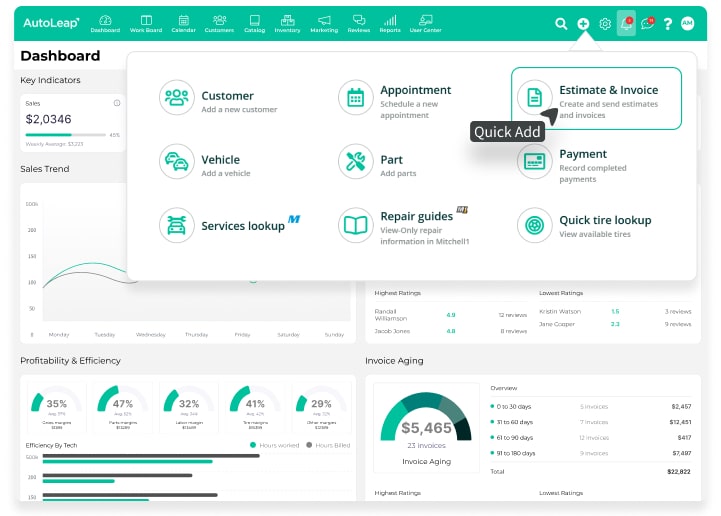
Starting a new work order from AutoLeap's Quick Add menu
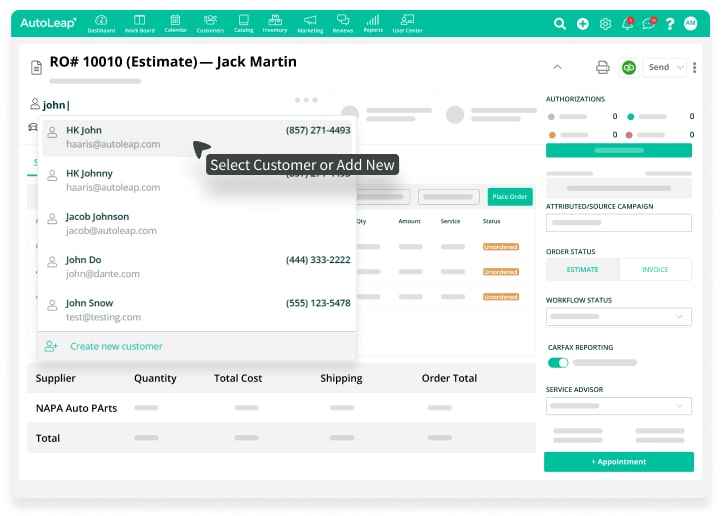
Customer and vehicle details added to a work order in AutoLeap
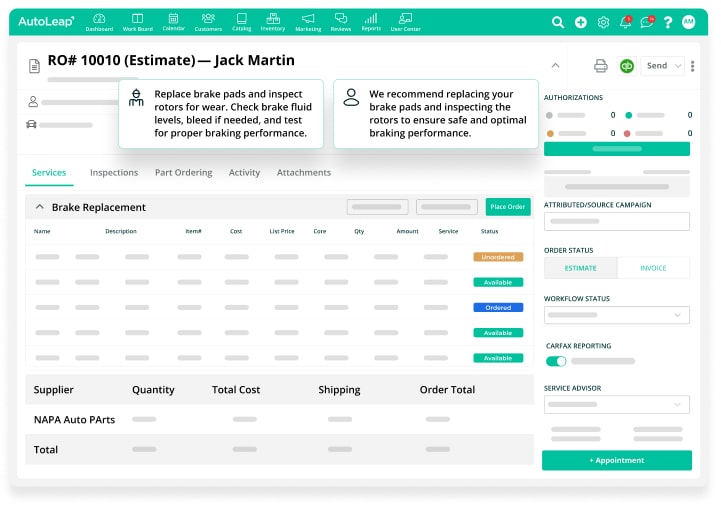
Shop notes and customer recommendations on an AutoLeap work order
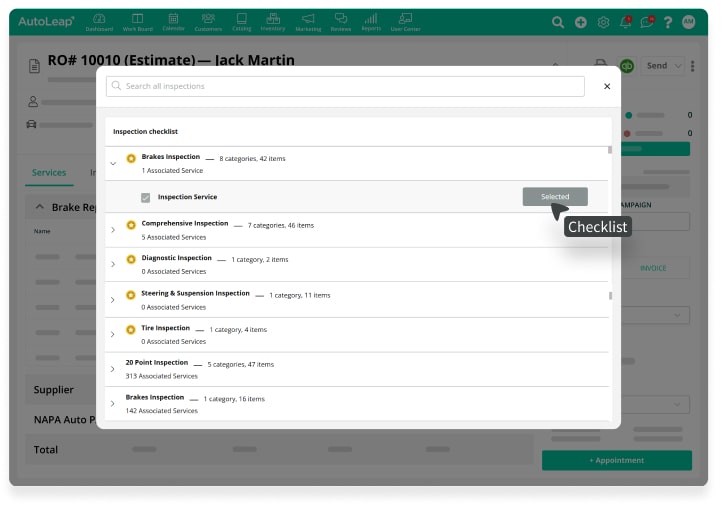
AutoLeap work order with services and an inspection checklist added
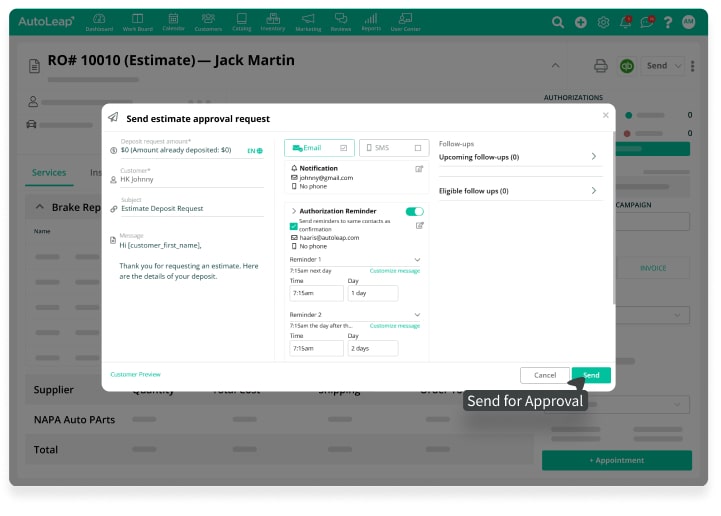
Sending the completed work order estimate to the customer for approval in AutoLeap

Simplify Workflows

Transform Your Shop’s Operations With Streamlined Work Orders

A shop owner viewing AutoLeap's dashboard on a laptop
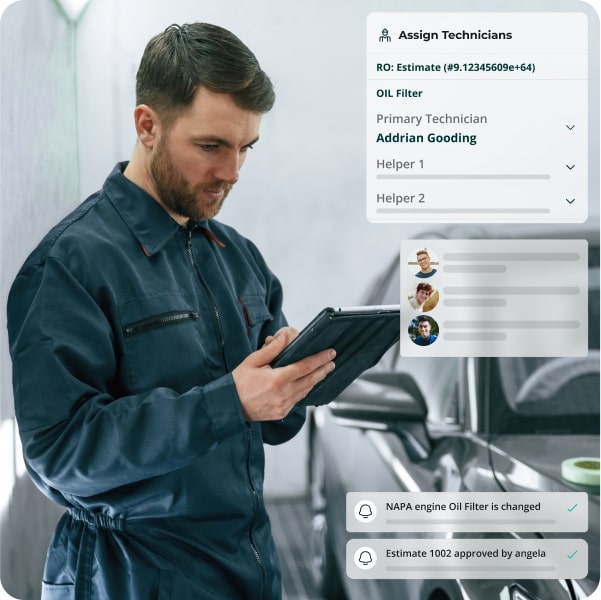
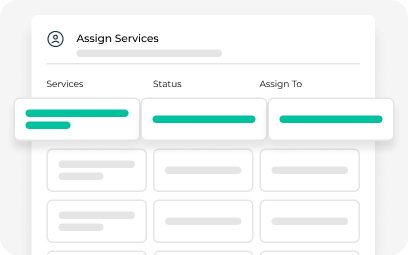
Tasks assigned directly to technicians on an AutoLeap work order

Enhance Productivity

Keep Your Shop Running Smoothly With Work Order Software

Improve Communication

Stay Aligned With Your Team And Customers For Seamless Communication

Customer receiving and approving an estimate from AutoLeap
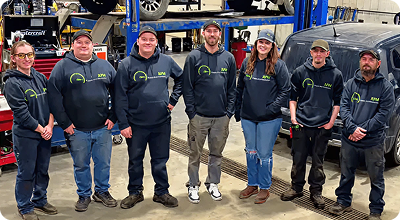
A shop team member managing work orders on AutoLeap

Simplify Your Repair Process With Easy-To-Manage Work Orders

Experience the ease of creating, assigning, and managing work orders—all in one platform.

AutoLeap’s auto repair shop work order software eliminates manual processes, streamlining your shop’s workflow. Create, assign, and manage work orders effortlessly while maintaining clear communication with your team and customers.

Read Verified Customer Reviews From G2

Don’t Just Take Our Word For It

Why Choose AutoLeap’s
Work Order Software
For Your Shop?

Our work order software is the ultimate solution for creating and managing work orders effortlessly. It streamlines your shop’s operations while boosting efficiency, service quality, and profitability.

Instantly Generate Estimates

Quickly create estimates with integrated parts lookup and labor guides, ensuring your pricing is always up-to-date and competitive.

Protect Your Profits

Safeguard your bottom line by easily applying markup to both parts and labor, ensuring your profit margins are always maintained.

Get Instant Approvals

Speed up the approval process by collecting digital signatures, making it easier for customers to authorize jobs on the spot.

1-Click Estimate To Work Order

Once your estimate is approved, instantly convert it into a detailed work order with a single click—no extra data entry required.

Easily Track Work Orders

Track work orders as they progress, with instant updates in real-time that keep everyone aligned—from technicians to customers.

Ensure Timely Service

Keep your team and customers informed with automated reminders and notifications, reducing delays and improving shop efficiency.
More AutoLeap Features

Streamline every aspect of your auto shop with one powerful solution.

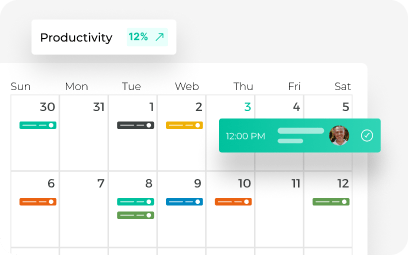
Color-coded weekly job calendar with a productivity tracker in AutoLeap's scheduler

Easily manage your shop’s capacity and maximize your team’s productivity.

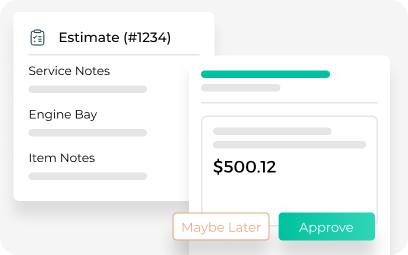
AutoLeap's digital repair estimate with service notes and customer approve or decline buttons
Build accurate estimates quickly with just a few clicks.
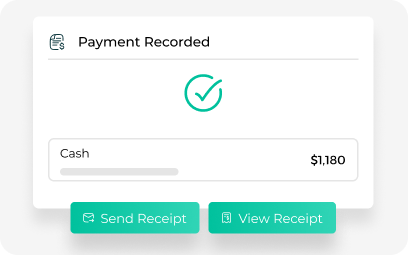
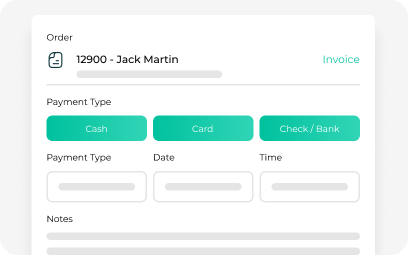
Recorded cash payment with send-receipt options on an AutoLeap invoice
Get paid faster by generating and sending invoices in seconds.
AutoLeap point-of-sale checkout with cash, card, and check payment options
Authorize invoices, collect payments, and track shop sales data.
Technician service-assignment board with job status inside the AutoLeap app
Track technician attendance, time logged, and job progress.
Customer messaging thread with chat bubbles and profile photos in AutoLeap's built-in chat
Stay connected and keep your customers informed.

Frequently Asked Questions

How does the Auto Repair Work Order Software help streamline my workflow?

AutoLeap’s work order software simplifies the process by converting approved estimates into work orders with just one click, eliminating the need for manual data entry and keeping everything organized in one place.

Yes, with AutoLeap’s work order software, you can easily assign technicians to any work order, ensuring they are notified instantly through their tech app and ready to start the job.

AutoLeap’s software lets you quickly access real-time parts lookup and labor guides, allowing you to create accurate, consistent work orders while safeguarding your profit margins with customizable markup options.

Yes, AutoLeap makes it easy to send digital work orders to customers for approval. Customers can approve or decline jobs with just a click, ensuring faster turnaround and smoother communication.

Absolutely! AutoLeap keeps you informed at every step of the process by updating the status of work orders in real time, so you can manage your shop’s workflow effectively and stay on top of progress.

Grow Faster with Software Built for Modern Shops

Get a free demo with the industry’s leading, award-winning auto repair software and see how it could impact your daily operations

See AutoLeap in Action

See AutoLeap in Action

By entering your information above and clicking the "Get Free Demo" button, you agree to our Terms of Use and Privacy Policy, and that we may contact you, at the phone number and email address you provide in this form.