




Black Friday

Deals Are Live: Save Up To $1,500

00 Days
00 Hours
00 Minutes
00 Seconds
Claim Offer

ENHANCED TECHNICIAN EXPERIENCE

Equip Technicians With The Tools They Need

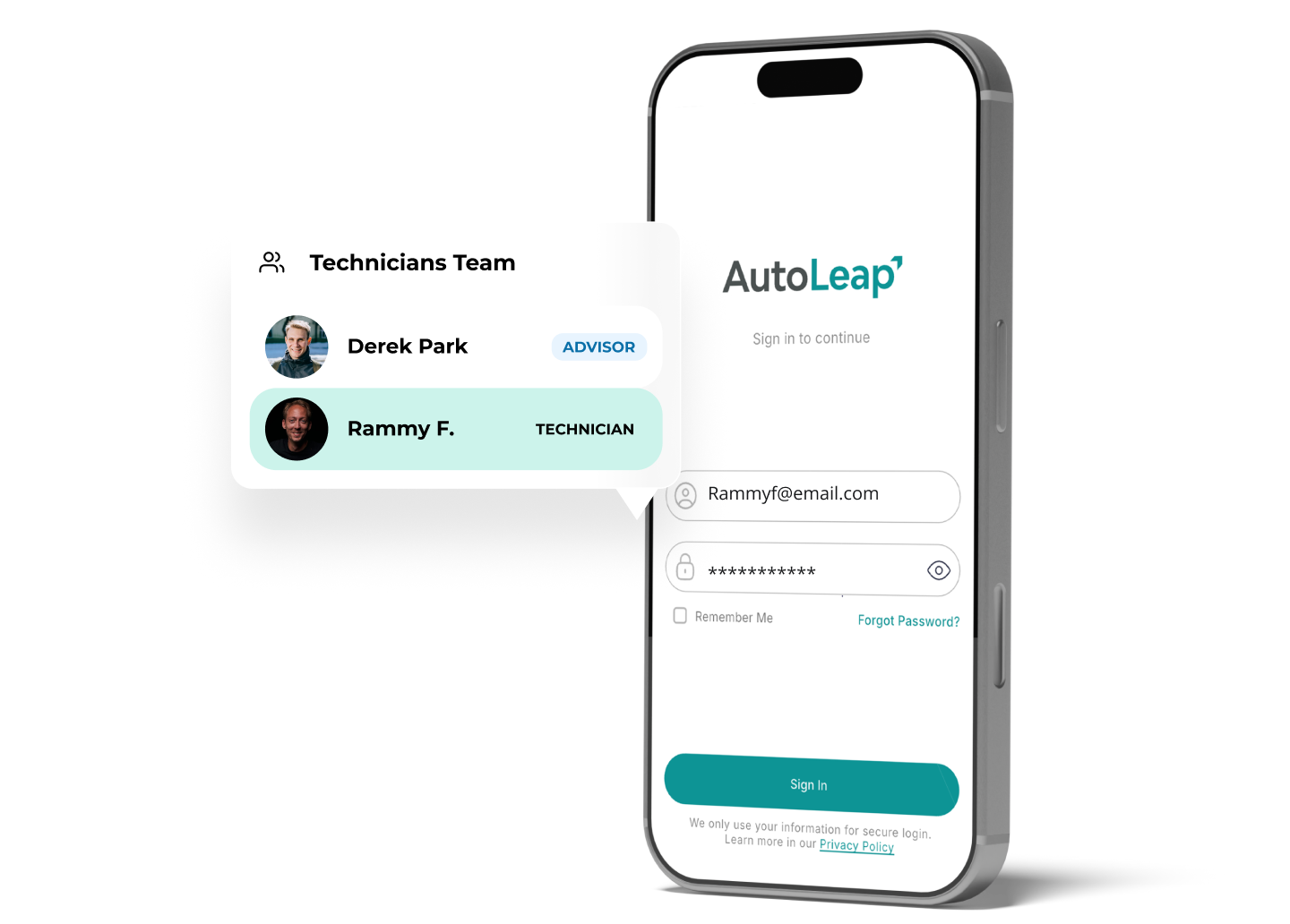
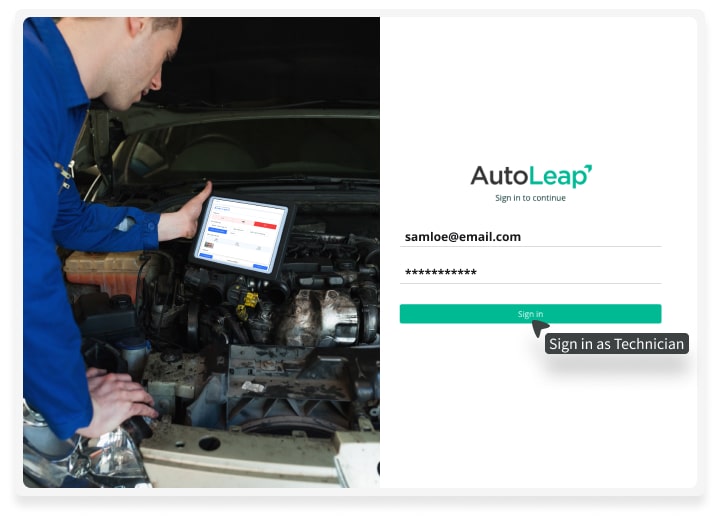
Empower your team with tools to work on the go. With AutoLeap, technicians can use a laptop, tablet or phone to review appointments, conduct digital inspections and check in customers.

See AutoLeap in Action

See AutoLeap in Action

By entering your information above and clicking the "Get Free Demo" button, you agree to our Terms of Use and Privacy Policy, and that we may contact you, at the phone number and email address you provide in this form.

Thousands of Shop Owners Can’t Be Wrong—Join Them!

  • RPM logo
  • Stones Auto Service logo
  • DS AutoMobiles logo
  • Tirecraft logo
  • APEX Auto logo
  • Frontline Automotive logo
  • RPM logo
  • Stones Auto Service logo
  • DS AutoMobiles logo
  • Tirecraft logo
  • APEX Auto logo
  • Frontline Automotive logo

SIMPLIFY YOUR TASK MANAGEMENT

How Does It Work?

JUGGLE JOBS EASILY

Improve Job Management & Team Transparency

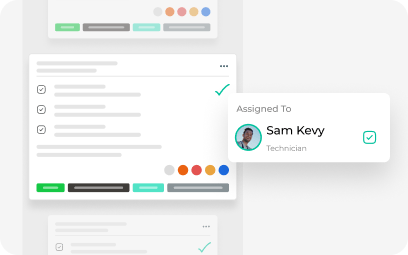
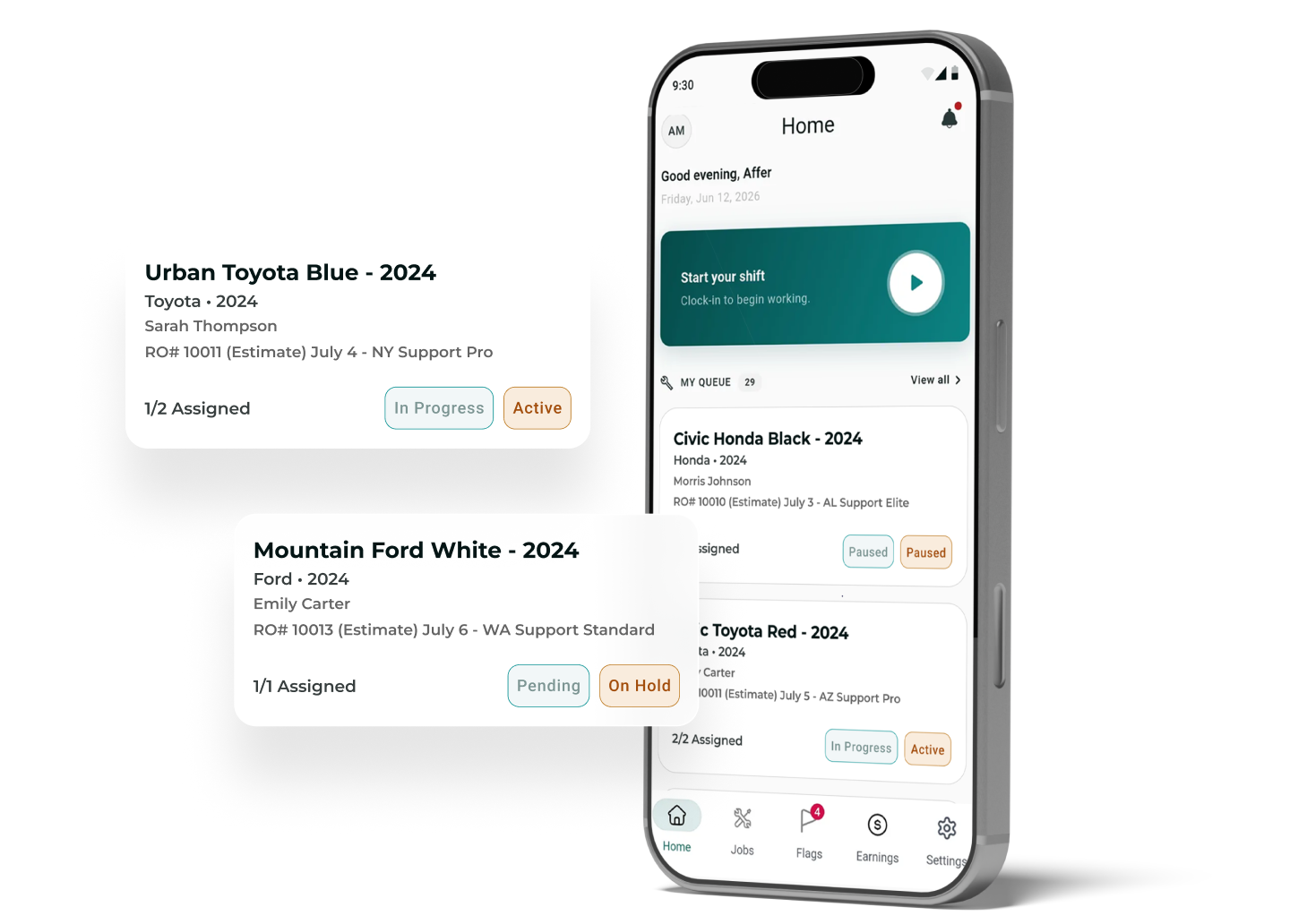
Jobs assigned to technicians with full team visibility in AutoLeap
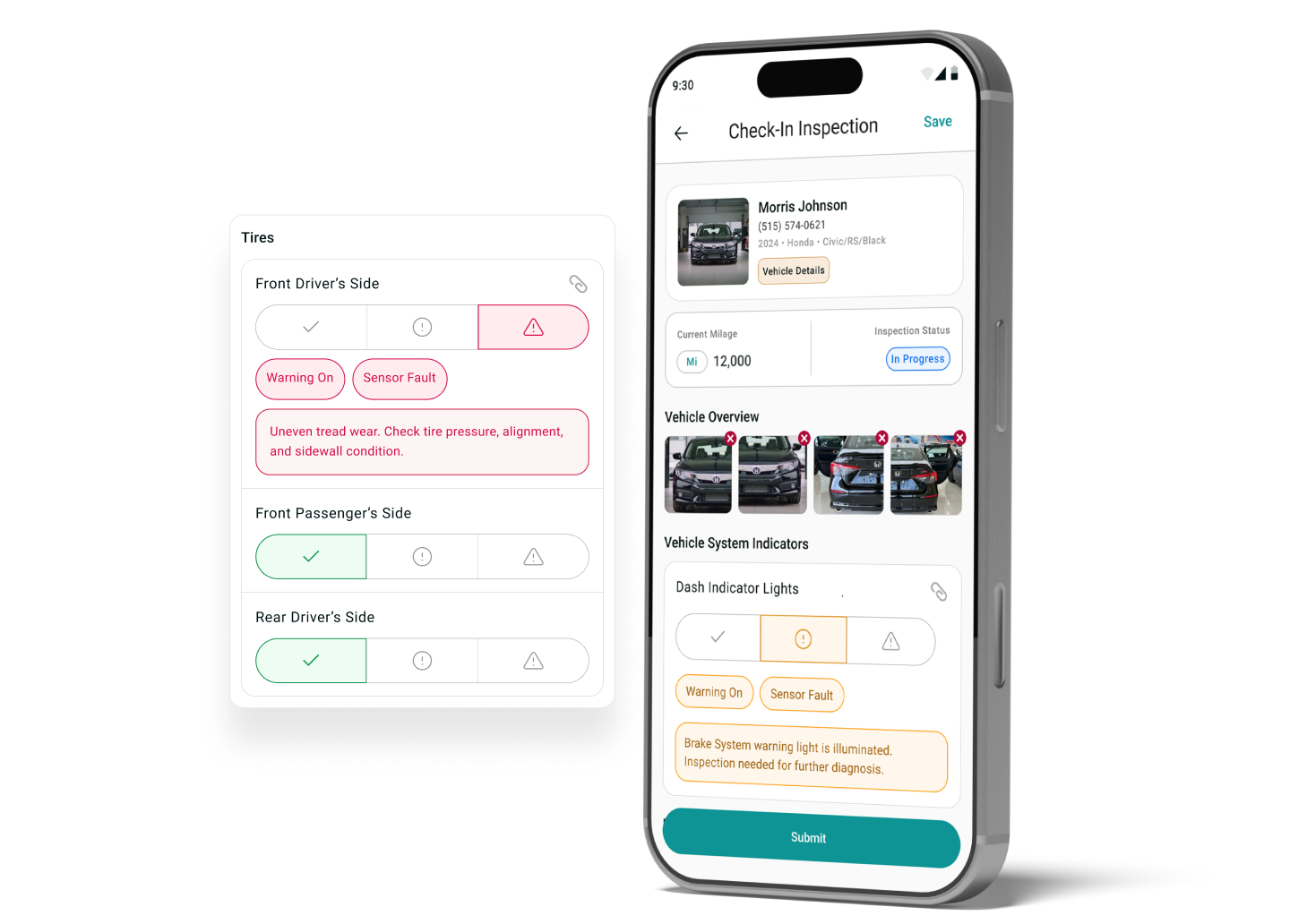
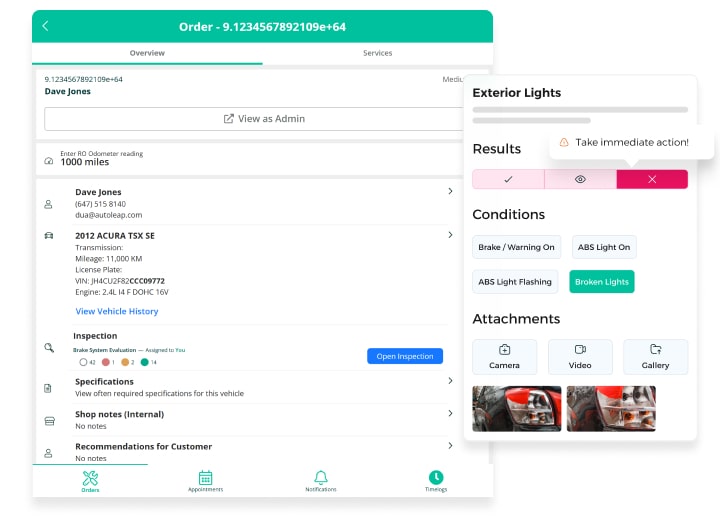
A technician completing an inspection through AutoLeap

Efficient Inspections. Accurate Repairs.

Simplify Inspections & Repairs

Insightful Metrics

Track & Manage Technician’s Performance

Technician Summary within the AutoLeap dashboard
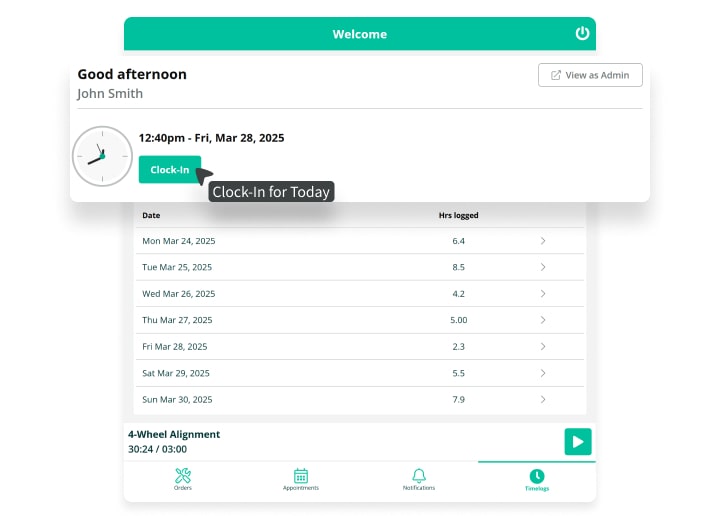
Technician clocking in and checking logged hours on AutoLeap's mobile app

Empower Your Technicians & Transform Your Shop

Optimize technician’s workflow to enhance efficiency and ensure exceptional service delivery.
Elevate your shop’s operations with a better technician experience. Simplify job assignments, enhance team alignment, and provide technicians with the tools they need to succeed—all in one place.

Read Authentic Customer Reviews From G2

Don’t Just Take Our Word For It

Why Choose AutoLeap?

Log time, manage tasks, conduct inspections, and receive real-time updates. AutoLeap ensures technicians stay productive and connected so your shop can deliver top-notch service.

Effortless Job Assignments

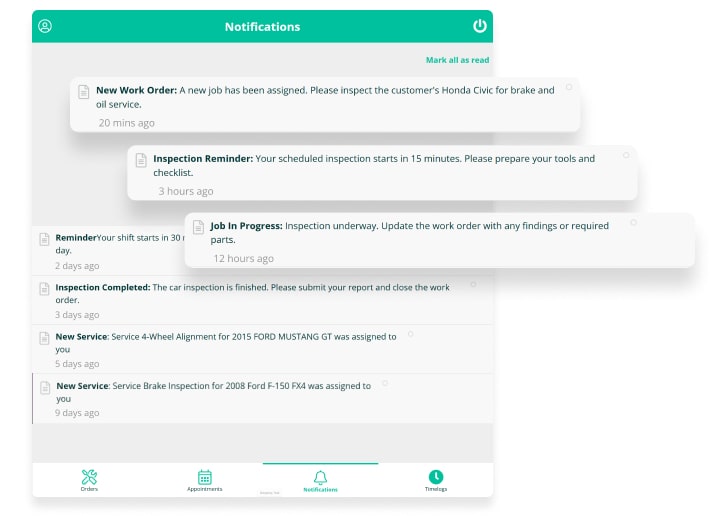
Save time and keep technicians on track with instant notifications.

Efficient Time Tracking

Track daily attendance and time spent on individual services with ease.

Improved Communication

Provide real-time updates for seamless communication between the office & technicians.

Streamlined Task Management

Access assigned tasks, appointments, and repair order details in one place.

Enhanced Productivity

Provide technicians with the tools they need to manage jobs and reduce downtime.

Streamlined Inspections

Provide detailed, professional reports with photos, videos, and notes.
Features Included With Technician
Experience For Auto Repair Shops

Streamline management with our complete and integrated solution.
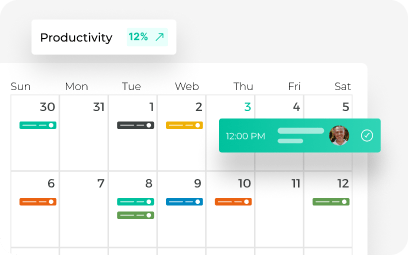
Color-coded weekly job calendar with a productivity tracker in AutoLeap's scheduler
Easily manage your shop’s capacity and maximize your team’s productivity.
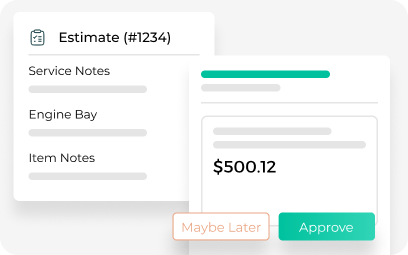
AutoLeap's digital repair estimate with service notes and customer approve or decline buttons
Build accurate estimates quickly with just a few clicks.
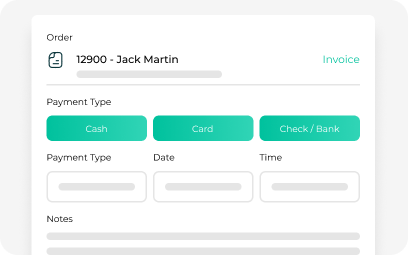
AutoLeap point-of-sale checkout with cash, card, and check payment options
Authorize invoices, collect payments, and track shop sales data.
Customer messaging thread with chat bubbles and profile photos in AutoLeap's built-in chat
Stay connected and keep your customers informed.
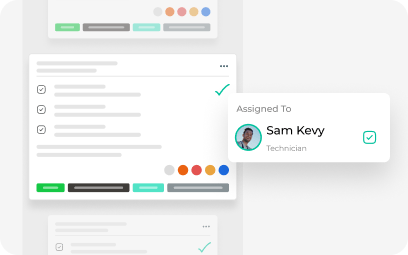
AutoLeap work order with completed task checkmarks and the assigned technician
Move approved estimates to professional invoices without retyping anything.
Check-in vehicles, conduct DVIs and access repair info on the go.

Frequently Asked Questions

What is AutoLeap’s Technician Experience?

It’s the set of tools in AutoLeap that help technicians see their assigned jobs, update progress, complete inspections, and communicate with service advisors, all from the shop floor.

Yes. Technicians can update job status in real time, so service advisors always know where each vehicle stands without walking back to the bay.

Yes. Technicians can log time against jobs, giving shop owners an accurate view of hours worked and labor spent per repair order.

When a job is assigned, it shows up on the technician’s job board right away, with the vehicle details and work requested.

Everything a technician does, such as inspections, notes, photos, and time, flows directly into the repair order, estimate, and customer communication tools.

Yes. Service advisors and managers can assign jobs to specific technicians based on skill, workload, or availability.

Yes. Technicians can complete digital vehicle inspections with photos and notes, which advisors can share with customers for faster approvals.

Yes. Shop owners can track metrics like hours billed, jobs completed, and efficiency for each technician.

Yes. It’s built for the shop floor, with a simple layout so technicians can get up to speed quickly with minimal training.

Grow Faster with Software Built for Modern Shops

Get a free demo with the industry’s leading, award-winning auto repair software and see how it could impact your daily operations

See AutoLeap in Action

See AutoLeap in Action

By entering your information above and clicking the "Get Free Demo" button, you agree to our Terms of Use and Privacy Policy, and that we may contact you, at the phone number and email address you provide in this form.