
Looking at Shop Management Systems? See How AutoLeap Stacks Up.

Invoice Generator & Templates

Free Auto Repair Invoice Template + Generator

Build a professional invoice in minutes, or download a ready-made template for your shop type. No sign-up, unlimited use.

Build it online

Create Your Invoice With
Our Free Generator

Fill in your shop details, add line items for parts and labor, drop in your logo, and download a clean PDF you can send straight to the customer.

Create an invoice

Fill in the details on the left and watch your professional repair-shop invoice build in real time. Download or print when you’re ready.

1
Invoice details
2
Bill from
3
Bill to
4
Vehicle information
5
Service information
Services & materials
Service / materials Qty Unit cost Amount
$0.00
Subtotal $0.00
Sales tax %
$0.00
Total $0.00
Inspection, notes & sign-off

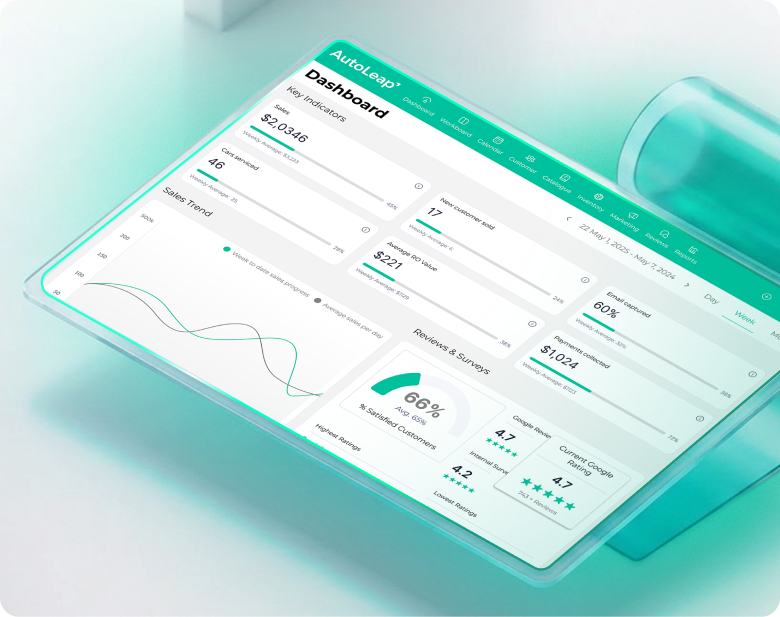
This free tool creates a standalone PDF and is separate from the AutoLeap platform. Inside AutoLeap, invoices build automatically from the work order, sync to QuickBooks, and customers can pay by text.
See AutoLeap in Action

By entering your information above and clicking the "Get Free Demo" button, you agree to our Terms of Use and Privacy Policy, and that we may contact you, at the phone number and email address you provide in this form.

Download & print

Free Auto Repair
Invoice Templates By Shop Type

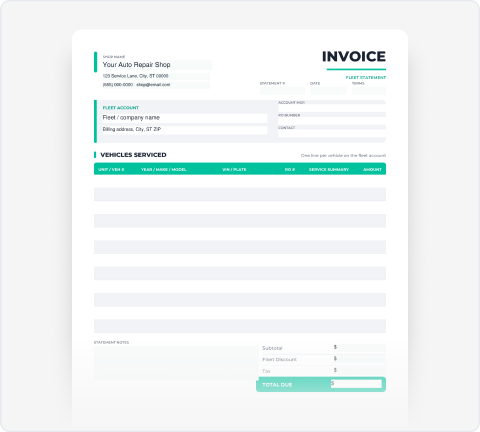
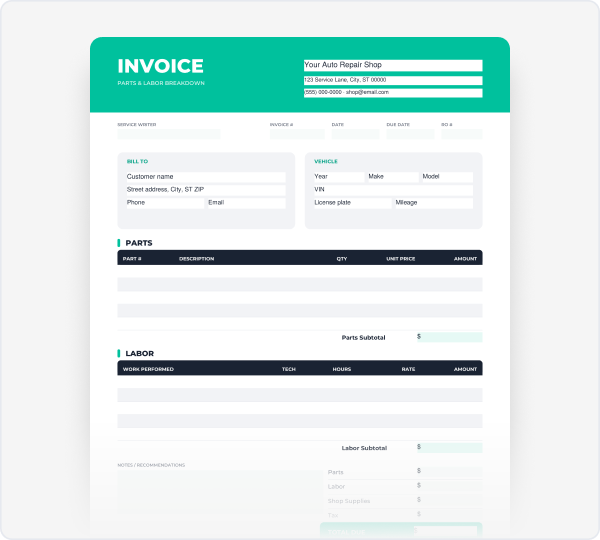
Pick a layout built for the way your shop bills. Each template is free to download and edit in PDF, Word, or Excel, no account needed.

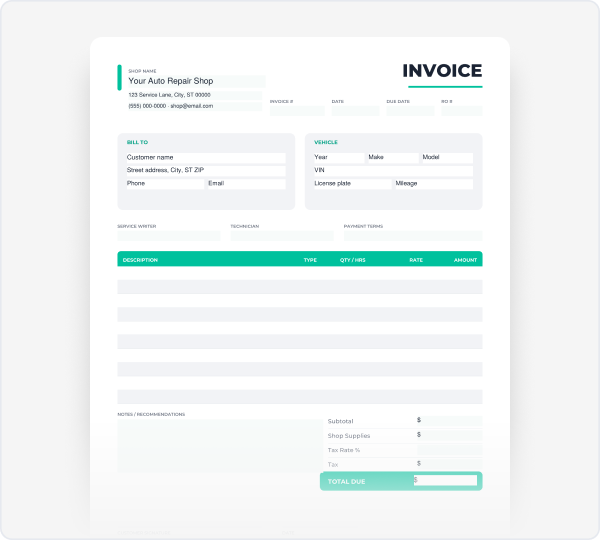
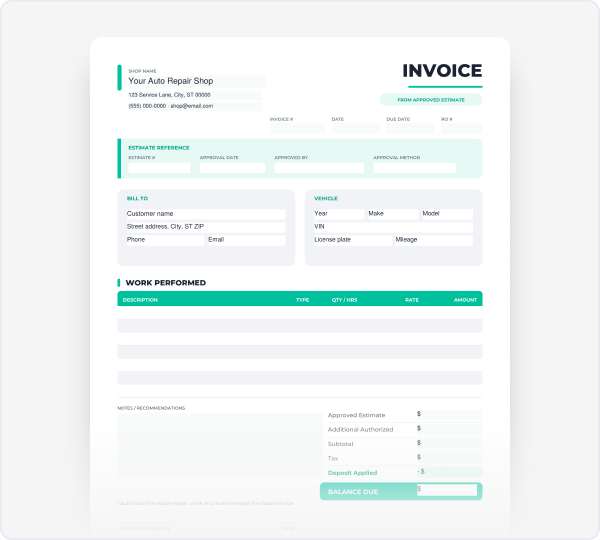
General Repair Invoice Templates

Flexible layouts with separate parts and labor sections, vehicle details,
and tax suited to full-service repair work.

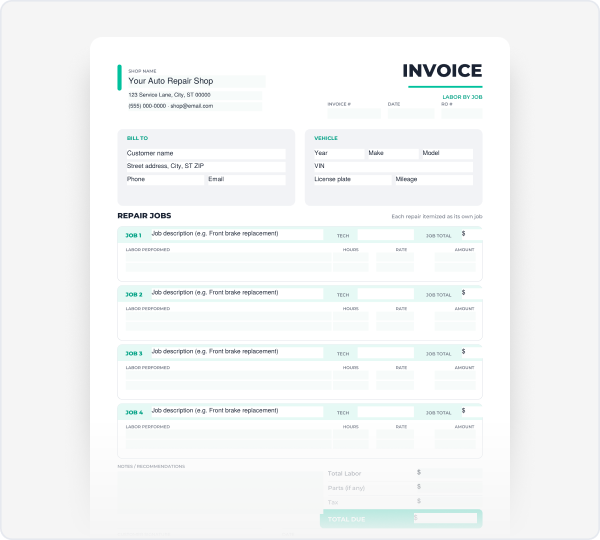
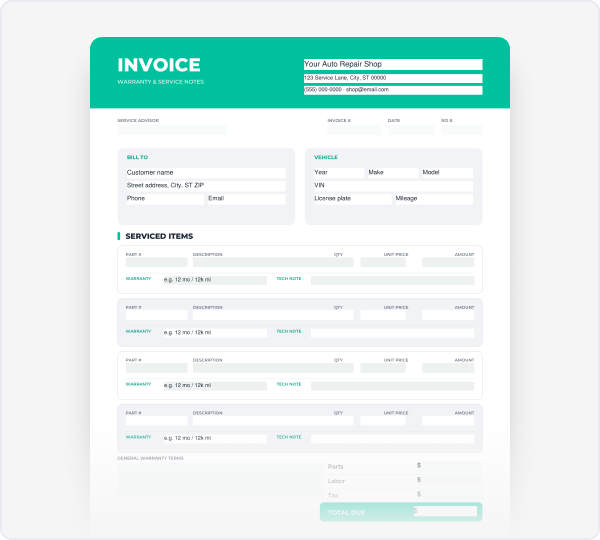
Mechanic shop invoice templates

Itemized labor by job, part numbers, and warranty notes so
customers see exactly what was done and why.

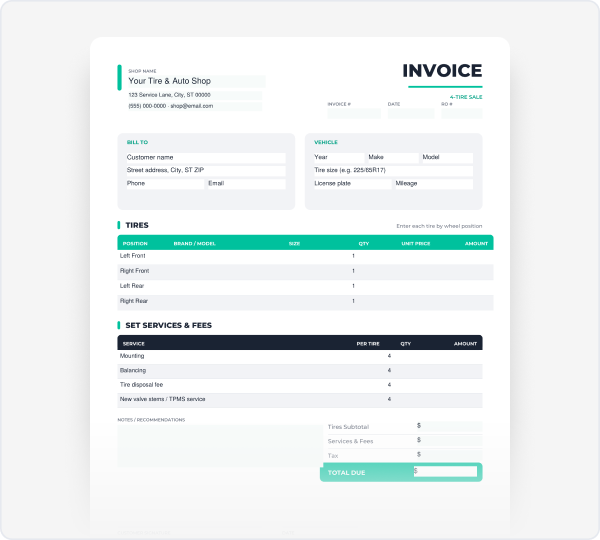
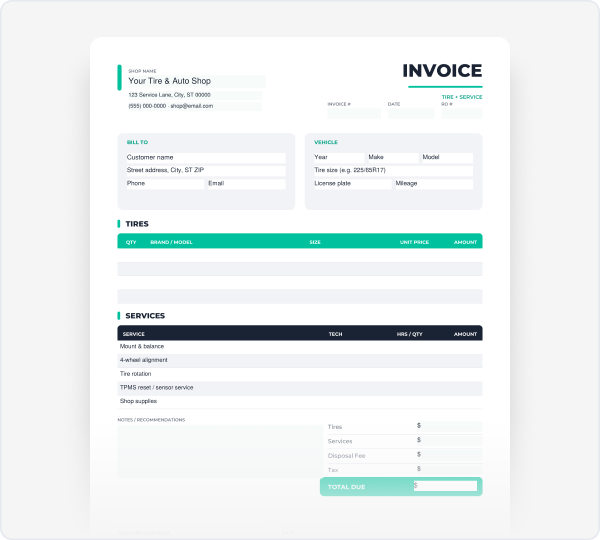
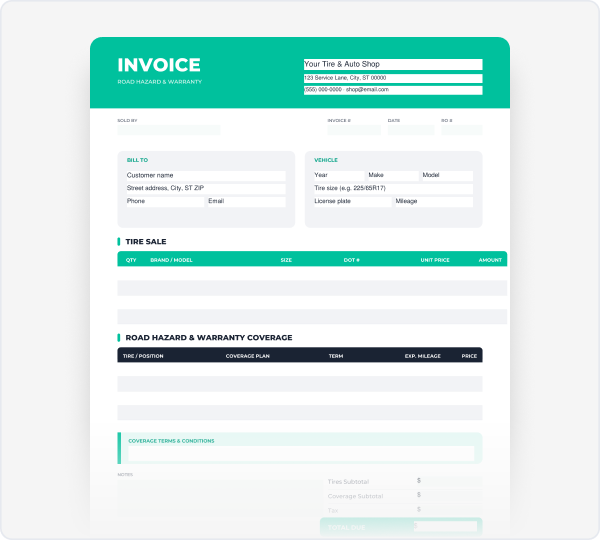
Tire shop invoice templates

Per-tire line items, mounting and balancing, road hazard coverage,
and disposal fees laid out clearly.

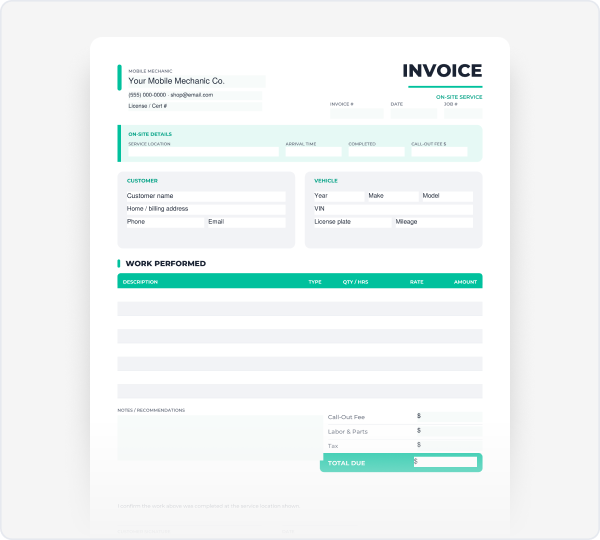
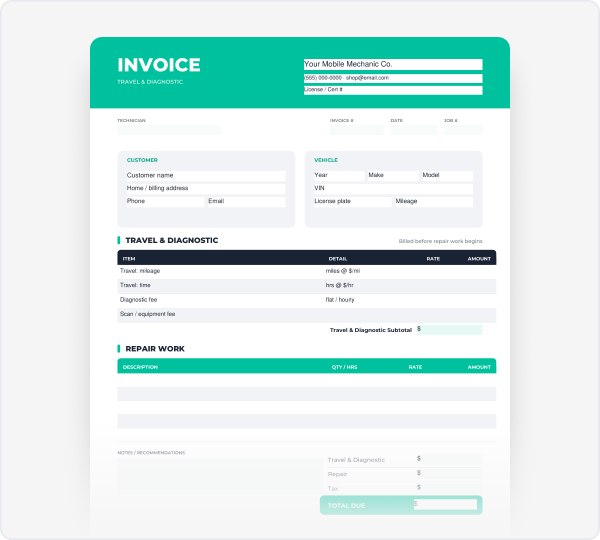
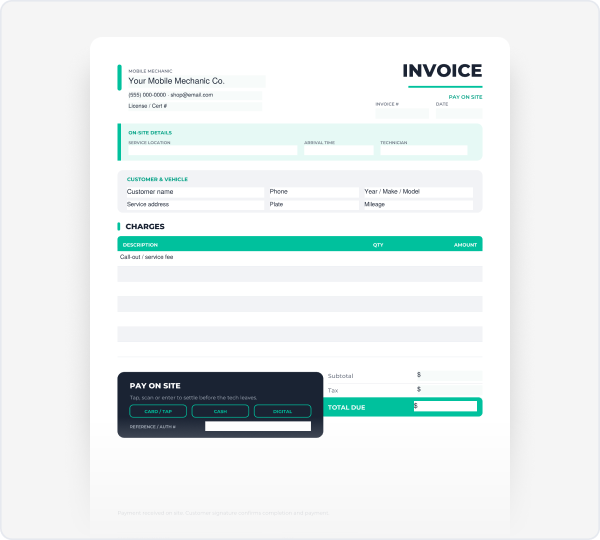
Mobile mechanic invoice templates

Built for on-site work call-out and travel fees, service location,
arrival time, and a signature line

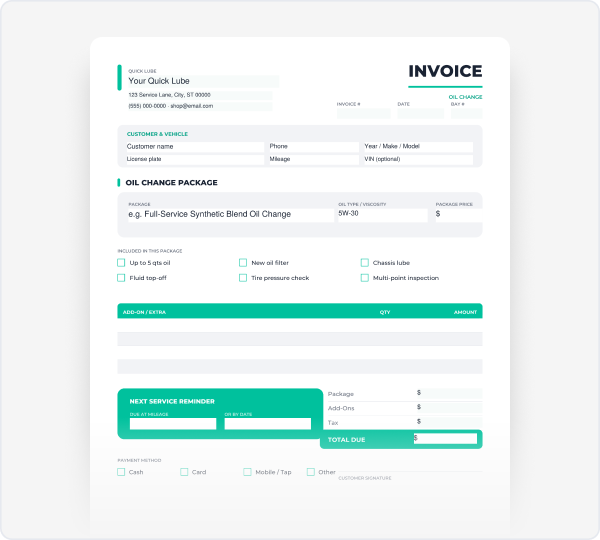
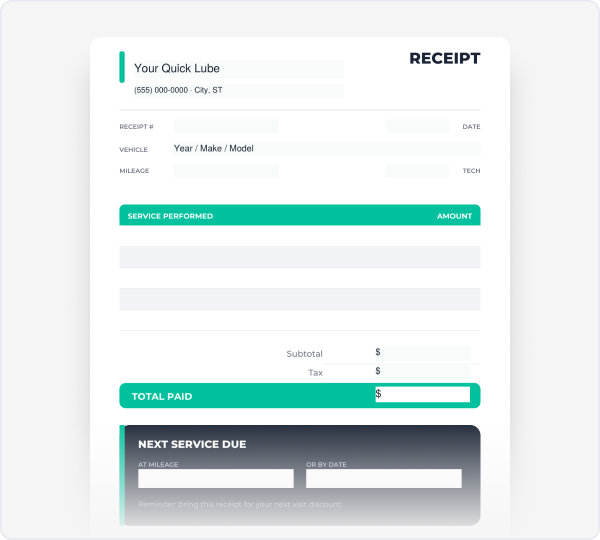
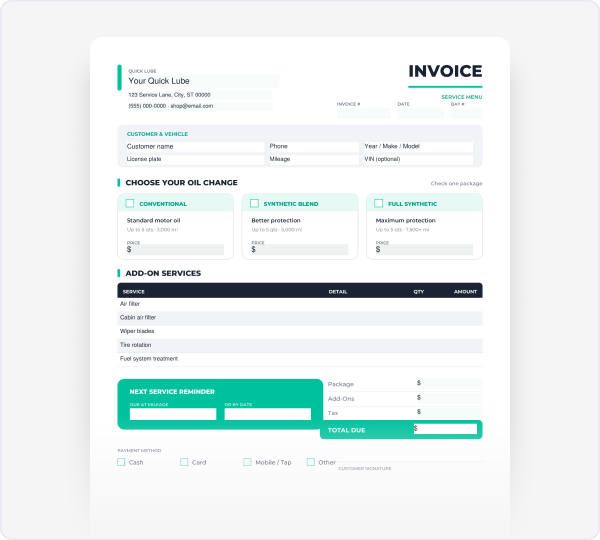
Quick lube invoice templates

Fast, simple layouts for oil changes and routine service package pricing,
mileage, and next-service reminders.

Get the details right

What To Include In Your Invoice

Invoice And Order Number

A unique number plus the matching repair order, for clean records.

Shop And Customer Details

Business name, contact info, and the customer's name and contact.

Vehicle Information

Year, make, model, VIN, plate, and odometer in and out.

Itemized Parts And Labor

Separate sections with quantities, part numbers, hours, and rates.

Sales Tax And Fees

Tax on parts where required, plus disposal or shop supply fees.

Payment Terms And Warranty

Due date, accepted payment methods, and what your work covers.

How To Use The Invoice Generator

Use the steps below, or skip the manual work and let the generator handle the math.

Start From The Work Order

Pull in the vehicle, customer, and approved jobs.

Itemize Parts And Labor

List each part and job with quantity, rate, and hours.

Add Tax, Fees, And Notes

Apply tax, disposal fees, and any warranty terms.

Download And Send

Export a PDF and email or print it for the customer.

Bill it clearly

Common Invoice Line
Items And How To Show Them

A quick reference for the charges that show up most on auto repair invoices and how to present each one so customers understand what they're paying for.

Charge or service Unit Taxable How to show it
General repair labor Per hour Often exempt Hours x hourly rate. List the task completed for each line so labor is easy to follow.
Diagnostic / scan Per job Often exempt Flat rate or hours x rate. Note the trouble codes and findings in the description.
Parts Per item Usually Cost x (1+ markup). Show part number, description, quantity, and warranty.
Shop supplies Per job Varies Flat fee or a small percentage of labor. State the basis so it isn't a surprise.
Call-out / travel fee Per visit Often exempt Flat rate, or base fee + mileage. Common for mobile and roadside work.
Disposal / environmental Per item Varies Label clearly (oil, filter, tire, battery core). Rules vary - check local requirements.
Sales tax Percent Applied per your jurisdiction. State which lines are taxed.
Charge or service
General repair labor
Unit
Per hour
Taxable
Often exempt
How to show it
Hours × hourly rate. List the task completed for each line so labor is easy to follow.
Charge or service
Diagnostic / scan
Unit
Per job
Taxable
Often exempt
How to show it
Flat rate or hours × rate. Note the trouble codes and findings in the description.
Charge or service
Parts
Unit
Per item
Taxable
Usually
How to show it
Cost × (1 + markup). Show part number, description, quantity, and warranty.
Charge or service
Shop supplies
Unit
Per job
Taxable
Varies
How to show it
Flat fee or a small percentage of labor. State the basis so it isn't a surprise.
Charge or service
Call-out / travel fee
Unit
Per visit
Taxable
Often exempt
How to show it
Flat rate, or base fee + mileage. Common for mobile and roadside work.
Charge or service
Disposal / environmental
Unit
Per item
Taxable
Varies
How to show it
Label clearly (oil, filter, tire, battery core). Rules vary – check local requirements.
Charge or service
Sales tax
Unit
Percent
Taxable
How to show it
Applied per your jurisdiction. State which lines are taxed.

Avoid disputes

Common Invoicing Mistakes

Invoices get questioned or paid late when the details are fuzzy. Here's what trips shops up most and the simple fix for each.

Lumping parts and labor together

Combined totals look inflated and invite pushback.

Fix:

Give parts and labor their own sections with clear subtotals.

Leaving out vehicle details

A missing VIN or odometer weakens your records and can affect coverage.

Fix:

Record VIN, plate, and mileage on every job.

Vague service descriptions

"Brake work" tells the customer nothing.

Fix:

Name the system, side, and parts, and note before/after findings.

No payment terms or warranty

Skipping terms leads to callbacks and slow payment.

Fix:

State the due date, payment options, and what your work covers.

From template to platform

Stop Rebuilding
Invoices By Hand

Templates are a fine start. AutoLeap's invoicing builds every invoice straight from the work order, so parts, labor, and tax are already there before you hit send.

2× faster

invoice-to-payment when customers can pay by text

0

re-typing between your shop and QuickBooks

100%

of jobs linked to a full vehicle service record

Good to know

Invoice Template FAQs

Can I download the auto repair invoice template as a Word or PDF file?

Yes. Every template here is available as a print-ready PDF, and the free generator above exports your finished invoice directly as a PDF. Download the format that fits how you work, then edit, print, or email it to the customer.

Both. Each template is print-ready with clean margins that fit a standard page, so you can print blank copies and fill them in by hand. The generator produces a fillable PDF you can complete on screen before you export.

Yes. A blank auto repair invoice template is available to download in the template library above — pick your shop type, download the PDF, and add your own shop details, parts, and labor lines.

Use the generator above to enter your shop name, logo, labor rate, and line items, then export a finished PDF. If you prefer to edit a file directly, download the template and update the shop details, vehicle information, and parts and labor lines to match the job.

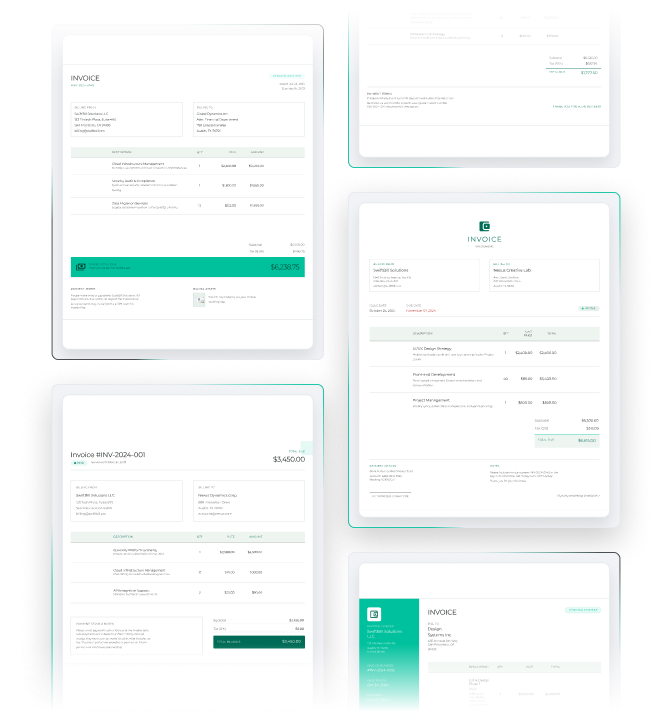
See the sample templates in the library above for an example of a completed layout — shop and customer details up top, itemized parts and labor in the middle, and tax and total due at the bottom. You can also use the generator to create your own from a sample in seconds.

Yes. A mobile mechanic invoice template is available in the template section above, built for on-site work with call-out and travel fees, service location, and a signature line. Download it free as a PDF. Yes. A mobile mechanic invoice template is available in the template section above, built for on-site work with call-out and travel fees, service location, and a signature line. Download it free as a PDF.

Run Your Whole Shop, Not Just The Invoice

Build a professional invoice in minutes, or download a ready-made template for your shop type. No sign-up, unlimited use.