Order NAPA Parts Without Leaving the Repair Order
Every part lookup usually goes the same way. Someone opens another tab, logs into ProLink, finds the part, and copies the price back into the estimate. Over a full day of repair orders, that back-and-forth costs you time and invites pricing mistakes.
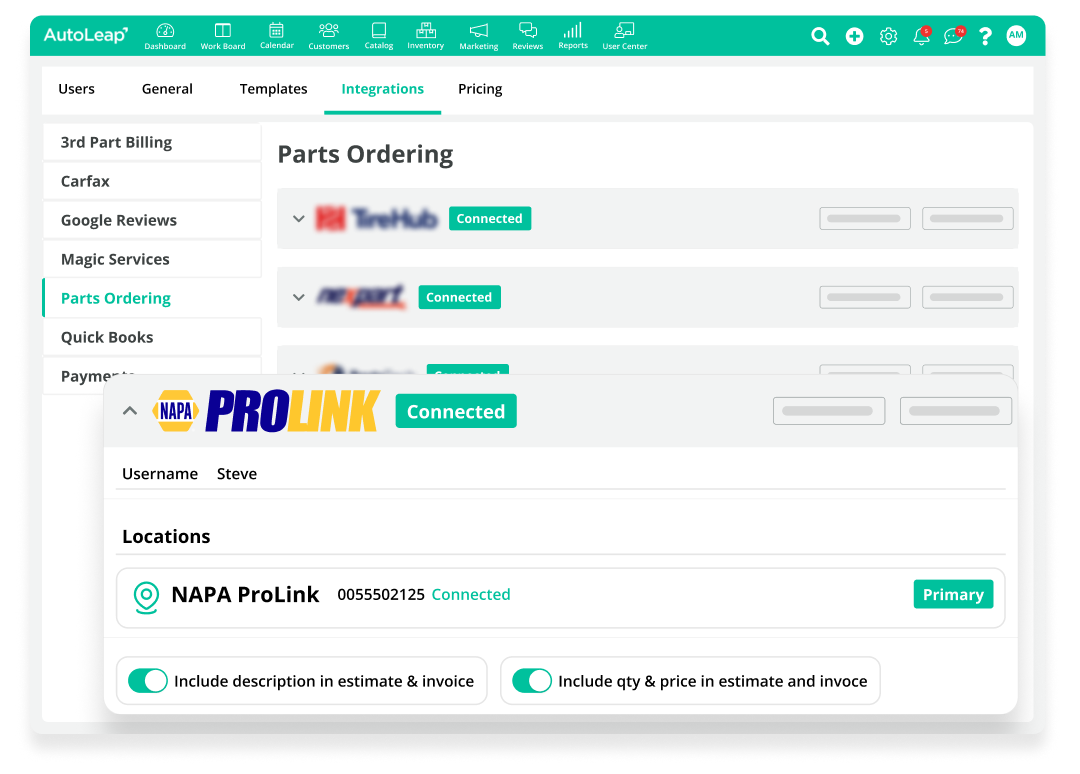
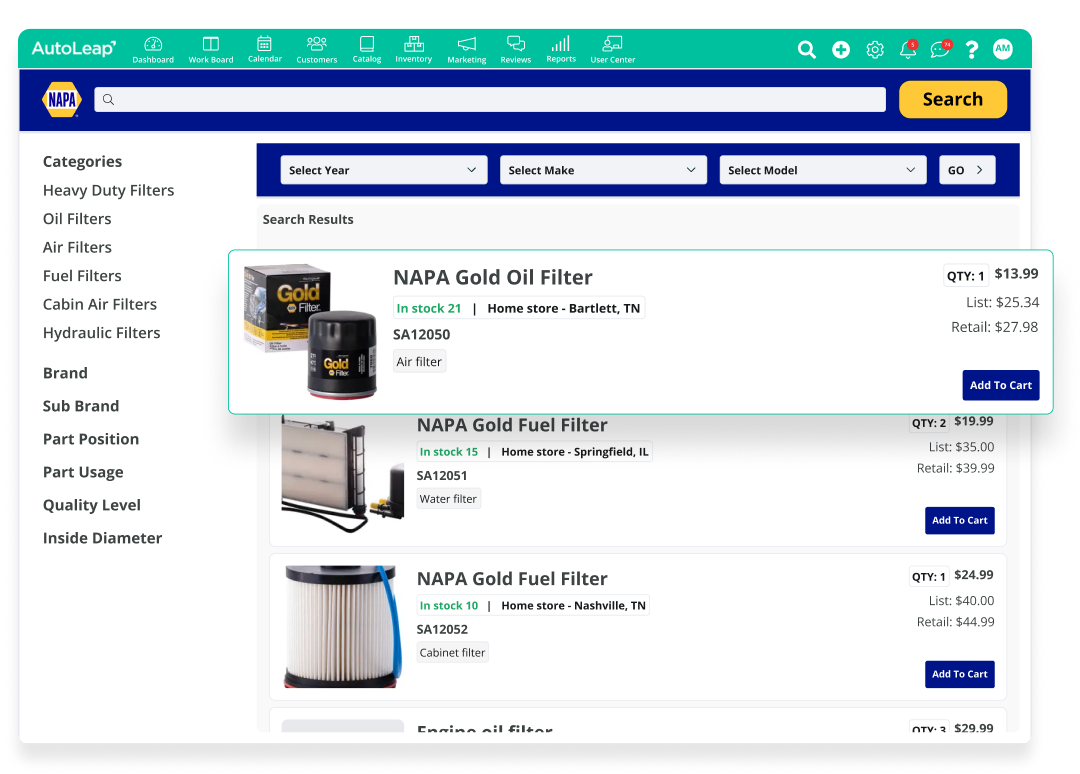
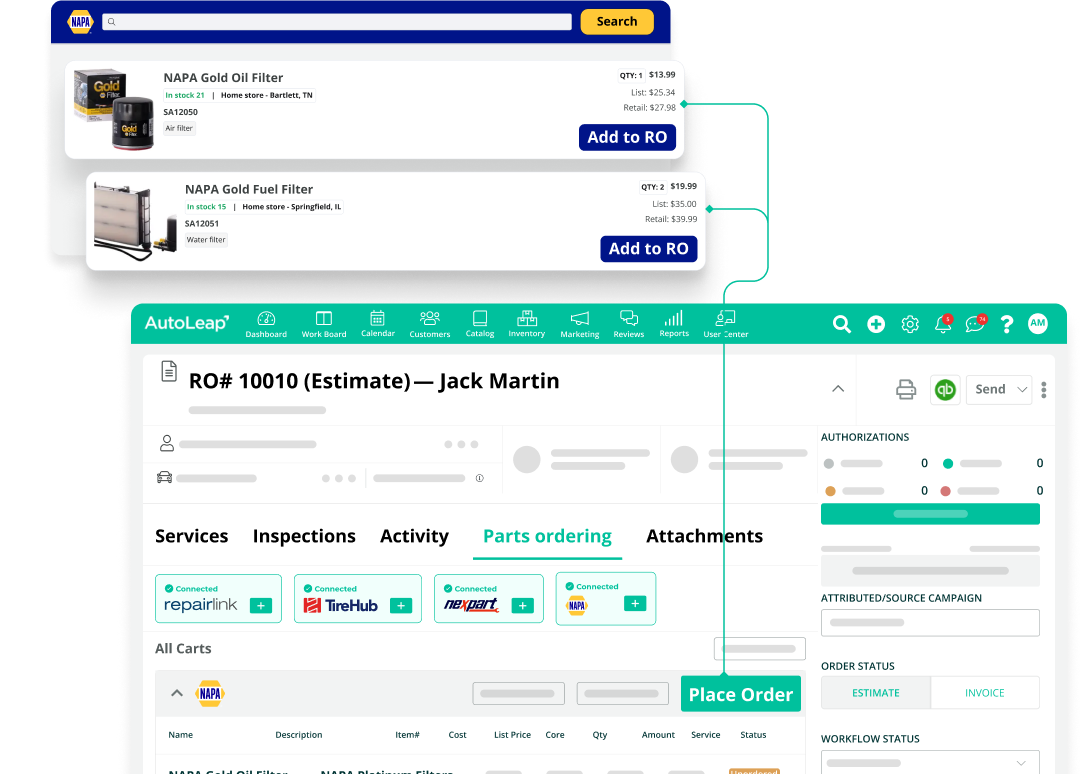
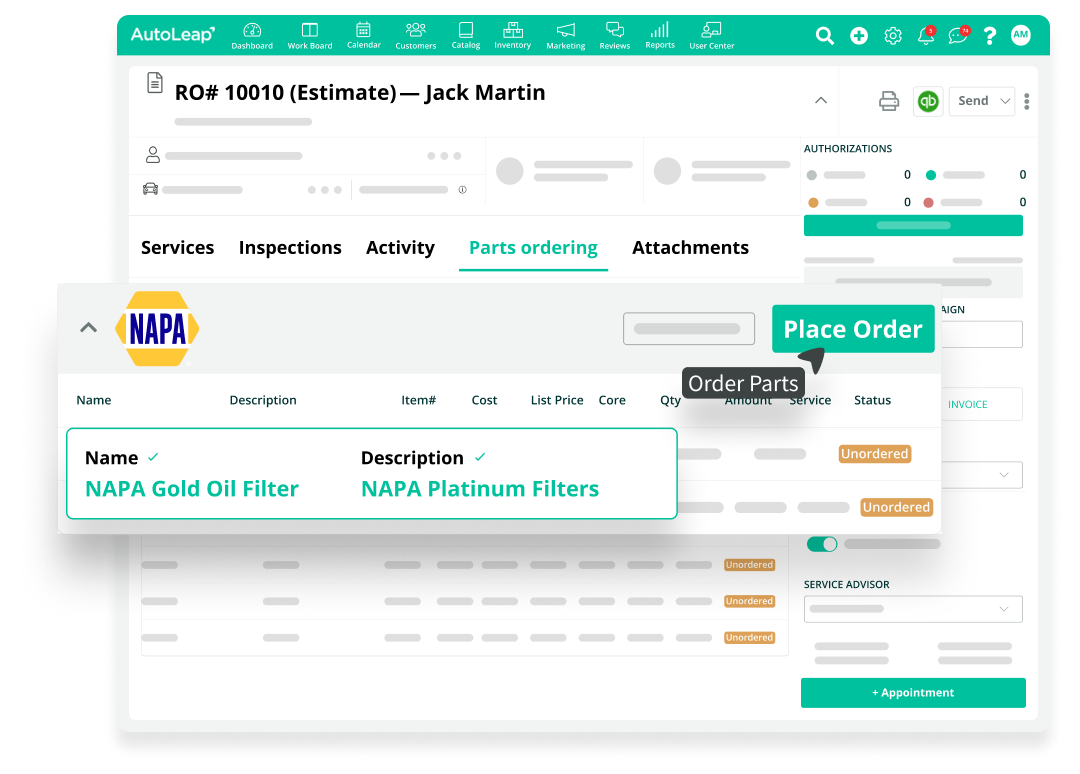
With AutoLeap’s NAPA ProLink integration, you connect your NAPA account once. From then on, you search parts, check live NAPA pricing and availability, and place orders right from the repair order.
See AutoLeap in Action
Simplify Google Review Management
How Does It Work?
Shops Love Ordering Parts Without Switching Screens
“Fairly easy to use and love the integration of parts ordering.”
Shannon S.
Office Admin / Service Advisor
“I can check availability and lead times in seconds, no more wasting time on the phone.”
Mark W.
Service Manager
“Very user-friendly, the integration with the other programs I currently use.”
Miranda B.
Office Manager
“I love the fact that it’s an all-in-one program and that everything I need is a click away.”
Johnny H.
Owner
Streamline Parts Ordering in AutoLeap with NAPA ProLink
Tap into NAPA’s parts catalog directly from AutoLeap and keep every job moving from estimate to bay.
- Compare NAPA pricing and availability in real time
- Add parts to repair orders without switching tools
- Place orders and get instant confirmation from NAPA ProLink
See AutoLeap in Action
“AutoLeap is a web based system, meaning it can be accessed anywhere!”